
How to Get Court Records
Figure out which court took the filing before you ask for anything. The Clerk of the Superior Court in Santa Cruz County holds felony, general civil, family, probate, juvenile, and Superior Court appeal records. Santa Cruz Justice Court keeps its own limited civil, small-claims, eviction, misdemeanor, and traffic files. Nogales and Patagonia Municipal Courts handle their local matters separately. No clerk can certify another court's case record.
- Use Public Access or the notice in hand to confirm the court and case number.
- For eligible Superior Court images, create an eAccess account, open Case Details, and find the event's document icon or Add to Cart control.
- If an image is absent, call the proper clerk. Ask for the exact request method, current fee quote, payment form, and delivery time.
- Submit in person, by mail, by fax where accepted, or through the court's written form. Superior Court also has three public terminals.
- State whether an informational copy, certified copy, exemplification, authentication, or on-site inspection is needed.
Superior Court requests can begin in person at Suite 2200, 2160 North Congress Drive, Nogales. Call 520-375-7700 or fax 520-375-7703 after confirming fax acceptance. Mail also works: P.O. Box 1265, Nogales, AZ 85628.
Santa Cruz Court Record Custodians
Juan Pablo Guzman is the elected Clerk. He serves as the Superior Court's record keeper and financial officer. That office handles filed papers, exhibits received in court, fees, writs, subpoenas, and the chronological event record. The clerk also acts as Probate Registrar and Jury Commissioner. Those duties stop at the Superior Court. They do not reach every courthouse in Santa Cruz County.
Clerk of the Superior Court
2160 N. Congress Drive, Suite 2200
Nogales, AZ 85621
Mail: P.O. Box 1265, Nogales, AZ 85628
520-375-7700
Justice Court requests go to the division with the case: traffic at 520-375-7760, criminal at 520-375-7761, civil at 520-375-7762. Nogales Municipal Court uses its own written records form and clerk.
Types of Court Records
A docket is only an index, not the whole case file. So name the layer you need. Public Access can display a dated case history. Meanwhile, eAccess may sell an eligible Superior Court pleading or order. When official proof matters, the clerk supplies an authenticated copy.
- Case histories and chronological event lists
- Complaints, petitions, answers, motions, and responses
- Minute entries, setting orders, rulings, and judgments
- Criminal charge and disposition records where public
- Civil, family, probate, juvenile, and lower-court appeal files subject to access rules
- Limited-court citations, small claims, evictions, misdemeanors, and traffic records
Transcripts take a separate path. A court reporter types out the hearing word for word. Contact the Superior Court division handling the case to reach that reporter and get a price estimate.
Santa Cruz Court Record Layers
Three products get confused here. A free docket tells you when an event occurred, while a filed document holds the motion, order, or judgment itself. A certified copy bears the clerk's authentication. Printing a Public Access result creates no certified record, and an eAccess image does not always come certified.
| Record Layer | What It Provides | Santa Cruz Route |
|---|---|---|
| Docket or case history | Dated index of filings, actions, and hearings | Public Access, then clerk verification |
| Filed document | The actual pleading, minute entry, order, or judgment | eAccess when eligible, otherwise the filing court |
| Certified copy | Clerk-authenticated reproduction | Request from the court custodian |
The official eAccess search and purchase guide walks through how a case event can lead to a purchasable image.
What a Court Record Contains
Every Santa Cruz County court file hangs on its case number and docket. The electronic docket view may hide some fields. The clerk's official file still holds them. Restrictions can shield a party, an event, or a filed document from public view. Exhibits are subject to return, retention, or destruction orders too.
| Case Header | Case number such as CR-23-0026, filing date, title, case type, status, court, and judicial officer. |
|---|---|
| Parties | Unrestricted plaintiffs, petitioners, defendants, respondents, and attorneys. |
| Pleadings | Complaints, petitions, answers, motions, responses, and notices filed in the case. |
| Orders and Judgments | Minute entries, signed directions, dispositions, judgments, and later enforcement events. |
| Docket | The chronological index connecting filing dates and court actions to available documents. |
| Hearings | Courtroom, date, type, and result when that result has been entered. |
Santa Cruz Court Record Form
Santa Cruz County collects a fair amount of detail before it will copy records for you. The online request form wants a full name. It also asks for your address, city, state, ZIP code, phone number, and email. You must describe the records exactly. State how many copies you need and give your intended use. Sign a noncommercial-use certification when A.R.S. §39-121.03 applies. One caution from the county itself: court-case documents belong with the responsible court or clerk, not with the county records channel. The county online records-request form lays out each of those fields.
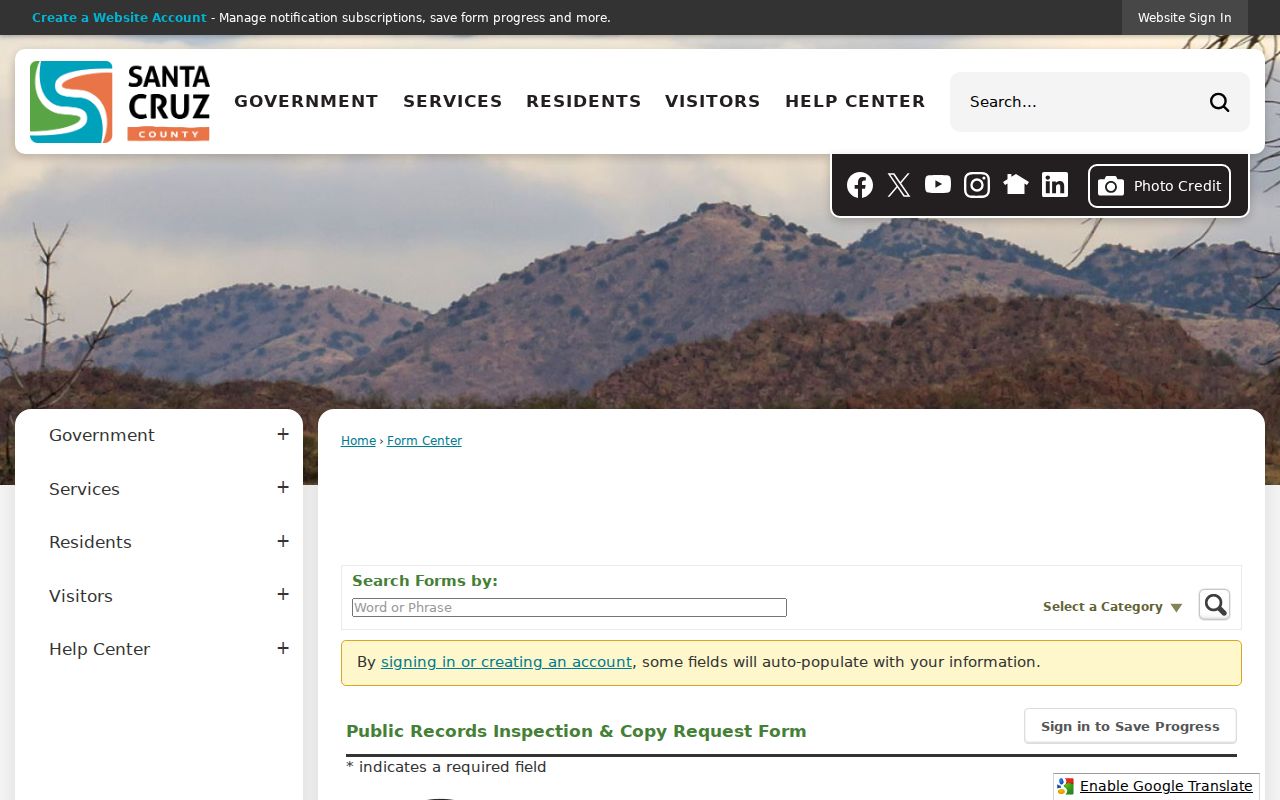
Use that county queue for administrative county records only. A court case file belongs instead with Superior Court, Justice Court, Nogales Municipal Court, or Patagonia Municipal Court, so send those requests straight to the court that holds the docket.
Santa Cruz Court Record Routing
Santa Cruz County gives you several ways to send a public records request. You can submit online. You can also email publicrecords@santacruzcountyaz.gov, fax 520-761-7843, or mail the printable county request form to Room 119 at 2150 North Congress Drive. The county assigns a tracking number and can pass a request along. One thing to remember. Routing a request through the county does not make the Board of Supervisors the keeper of a judicial case file.
The official county public-record request page spells out where court documents actually go.
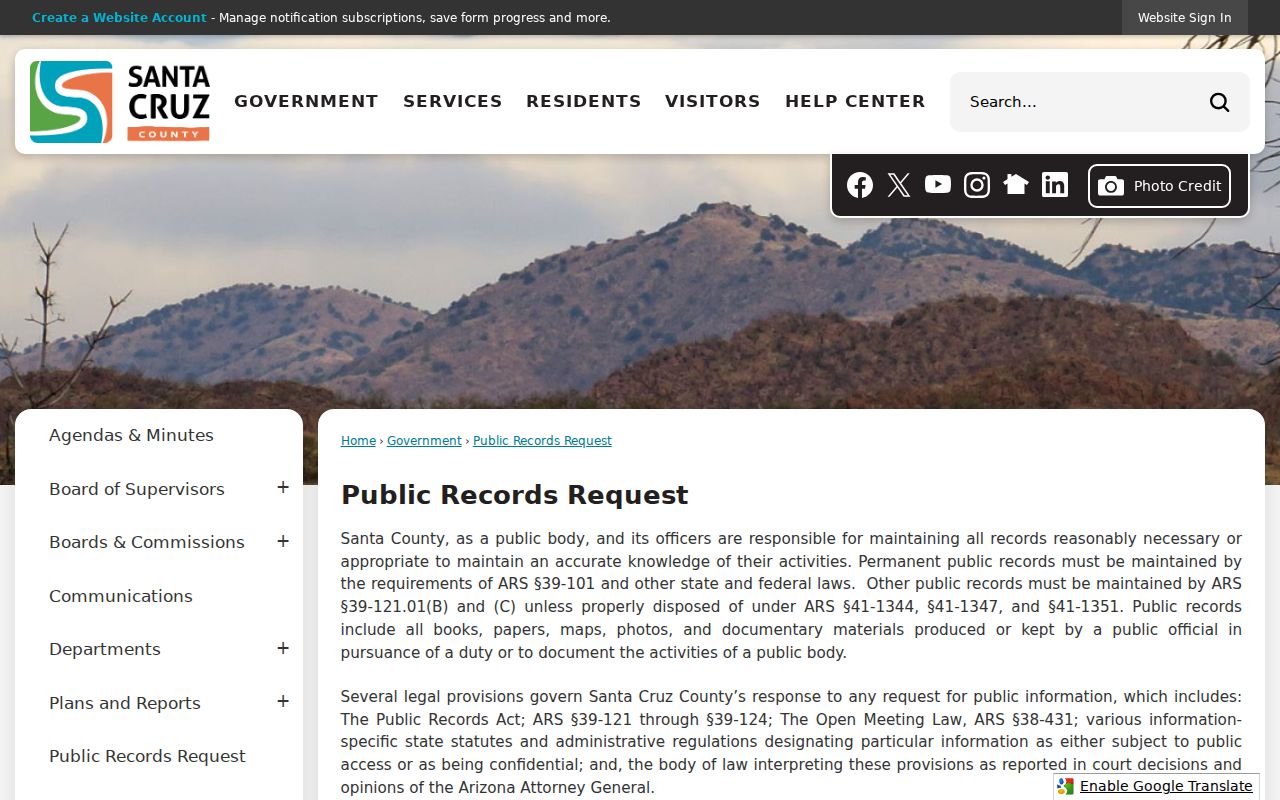
Going direct saves time. It puts the copy request in the hands of the office that can inspect, redact, and certify the original court file. Note: A county tracking number is not a court case number, and the clerk will need the case number to pull the docket.
Certified Copies and Fees
A plain copy works fine when you just need to read the docket. Want the clerk to vouch for it? That takes certification. An exemplification carries two seals, and authentication needs three. Ask for a current quote first, since research fees, per-page costs, certification, postage, and online-document charges can all land on one bill for your Santa Cruz County court records.
| Item | Published Amount |
|---|---|
| Plain or photographic copy | $0.50 per page |
| Certification or certificate of correctness | $35 per document |
| Exemplification | $70, two seals |
| Authentication | $105, three seals |
| Research to locate a document | $35 per year or source |
| Postage and handling | $8 |
| Transcript of judgment | $85 total, including certification |
Under the administrative order, eAccess charges $10 per document and $39 for an electronically certified copy, though current checkout terms control. At the counter, the Santa Cruz County Clerk takes several payment forms. Mail orders and the drop box are different. Cash is not accepted there.
Santa Cruz Court Record Requests
Get specific when you ask for copies. The strongest Santa Cruz County record request lists the court, the case number, the party name, the event date, the docket description, and the type of copy wanted. If eAccess replies “Document Not Available Online,” give the clerk that event description. That message only means no image exists online. It does not prove the filing is sealed.
Nogales Municipal Court works from a written form. You can choose pickup, mail, fax, email, or on-site review, and the form asks for requester and subject details plus the case or docket number, citation number, and document types. A $17 research fee is due up front. Pages run $0.50 each, and certification adds $17. The city court's published target is four business days. Justice Court uses its own form and promises processing as soon as possible, and no later than three business days, subject to retention rules. Neither promise applies to the other courts.
Santa Cruz Court Record Terminals
Three public-access computers at the active courthouse can show you what remote tools will not. Go to the Superior Court Clerk's counter at 2160 North Congress Drive. Ask which terminal or inspection area fits your record. Call ahead about counter hours before you drive over. The clerk posts no single hours statement. An open, nonconfidential record can sit there on-site even when it is not eligible for remote delivery. Know which building you are in. The restored 1904 courthouse is community space now, not the docket counter. The active complex also houses Justice Court in Suite 2100. Still, each clerk keeps control of its own files.
Santa Cruz Court Record Redactions
What you can reach from home is a narrower slice of the courthouse's full records. Rule 123 allows limits that guard confidentiality, privacy, security, and court operations. ACJA §1-604 governs remote electronic access while keeping on-site access to nonsealed, nonconfidential records intact. Staff may strip out protected identifiers or withhold restricted parties, events, and images. The Arizona public-body recordkeeping statute sets out general duties. It covers maintaining records. It also covers providing access under law.
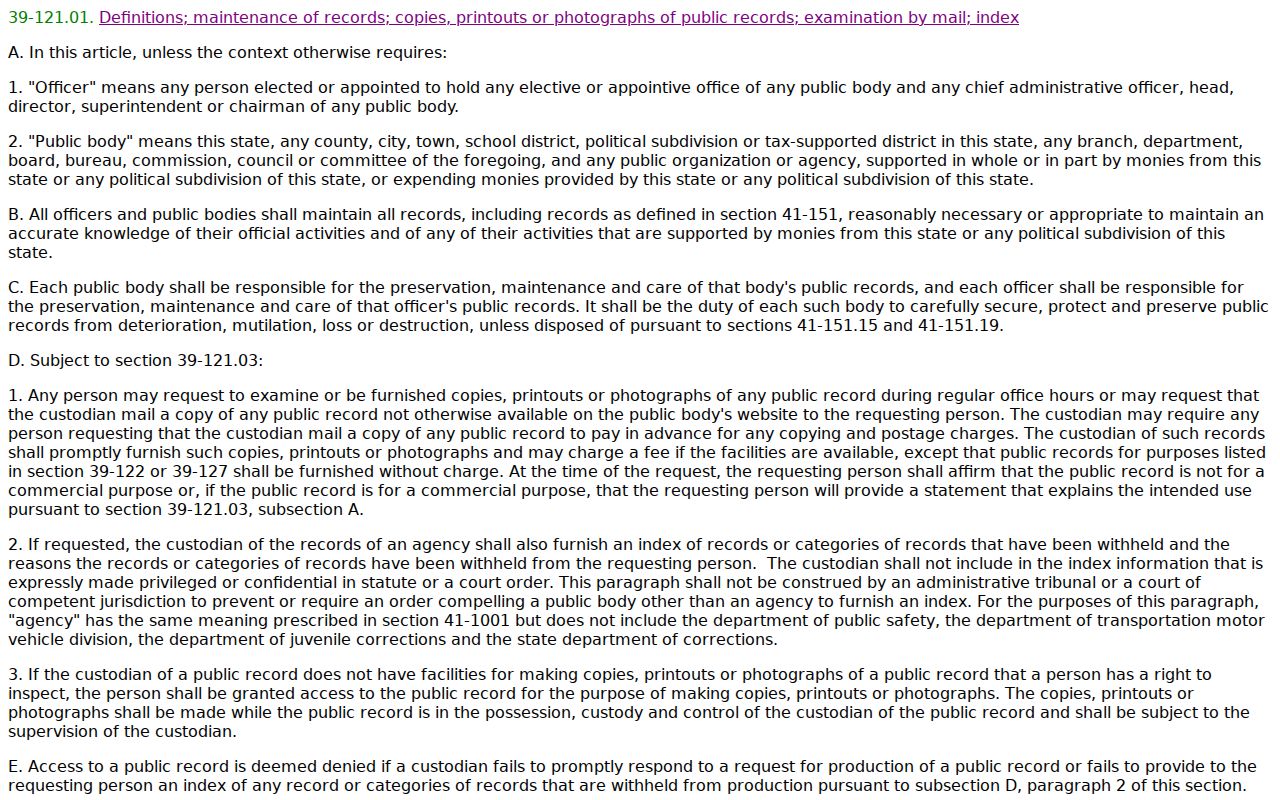
For judicial case records, Rule 123 is the more direct authority, and the filing court applies it to whatever material you request.
Public Access and Sealed Records
Some records carry special limits. Sealed cases, juvenile matters, orders of protection, and mental-health records all fall in that group. Probate cases in the free statewide lookup belong there too. So do victim or witness information. A missing online result has other explanations too. It could be a weekly update delay, a local ordinance case, an older paper file, another spelling, or the wrong court. So do not treat “not online” as proof of “sealed.”
Key Rules:
Arizona Supreme Court Rule 123 governs access to judicial records and permits necessary confidentiality and operational limits.
ACJA §1-604 sets remote-access procedures while preserving on-site access to nonsealed, nonconfidential case records.
A.R.S. §39-121 states Arizona's general rule for public-record inspection, subject to more specific law.
A.R.S. §12-2802 establishes the petition process for sealing eligible criminal case records.
Getting restricted material depends on the governing rule, your party status, the sealing order, or a further court order. For a certified open record, go to the clerk holding the original.
Santa Cruz Archived Court Records
Older paper and archived Santa Cruz County records may need a clerk-assisted search. Retention schedules can also affect what still exists. Nogales warns that some older matters may be unavailable. That includes completed criminal matters older than five years. It also includes DUI or domestic-violence matters older than eight years. Civil-traffic matters older than one year are on the list. Those are municipal limits. Do not read them onto Superior or Justice Court. Ask the right clerk about retention status, storage location, research charges, and delivery. Do this before you send any payment. Want to locate the case first? Run a Santa Cruz County case search and carry the exact case number into your record request.