
Searching Cases by Name
Start with the Arizona Judicial Branch Public Access to Court Case Information. The site is free. It pulls from participating Superior, Justice, and Municipal Courts across the state. It also asks for a verification word before the search screen appears. Enter enough party detail to separate a common name from the crowd. Then look at what comes back. Confirm the court and the case type match the matter you have in mind. One caution: Public Access is an informational index. So the clerk's official record remains the last word.
- Identify whether the matter belongs to Superior Court, Santa Cruz Justice Court, Nogales Municipal Court, or Patagonia Municipal Court.
- Complete the verification image and click the on-screen Submit button. The portal recommends the button if pressing Enter fails.
- Enter the party name. Use the first name, middle name, date range, or case type to narrow similar results where those controls are available.
- Open the likely result and compare the court, filing date, party role, status, events, and hearings.
- Contact the filing court when the web result is absent, stale, or not enough for the task.
The official statewide search entrance shows the verification gate before case lookup.
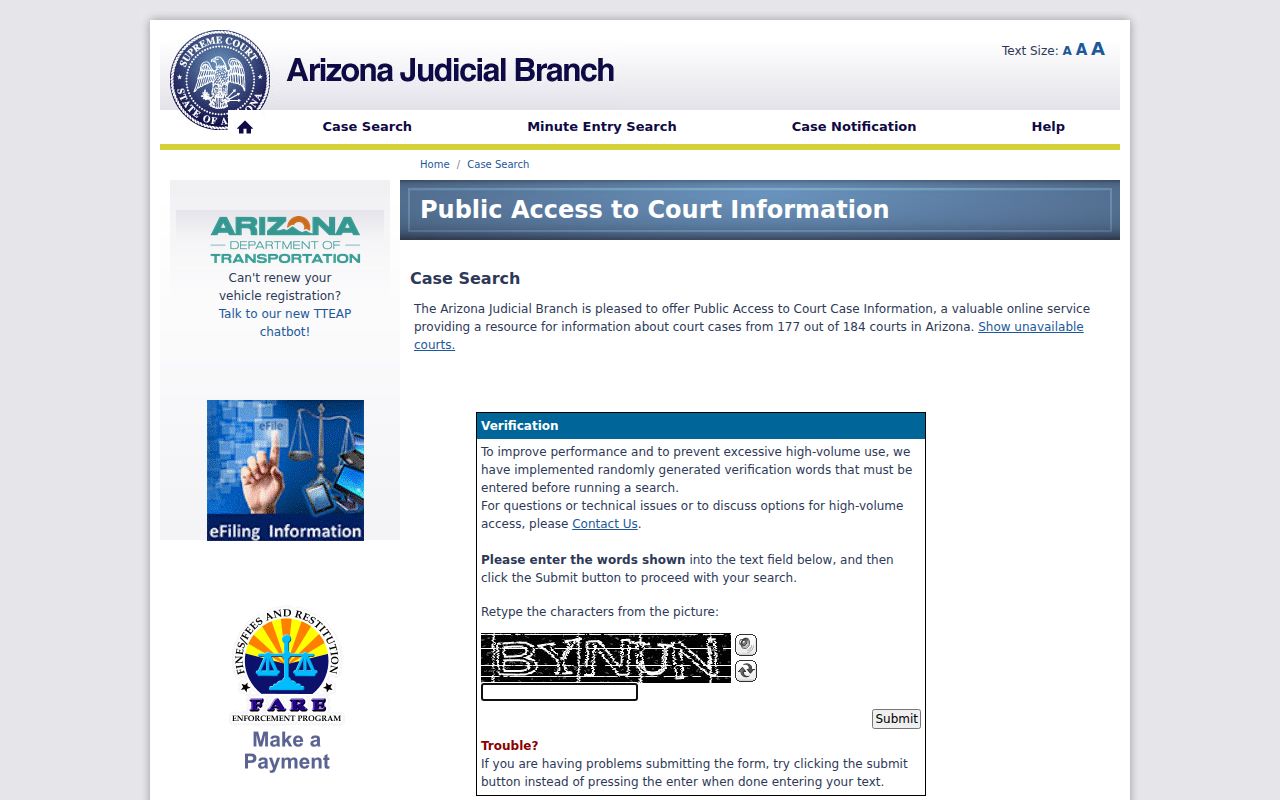
A name query through that first gate is not a saved search. Treat it as a doorway, not a bookmark.
Santa Cruz Case Search CAPTCHA
Public Access asks for a verification word. It is random each time. Type it. Do not hit the Enter key if it fails to submit; click the displayed button instead. This word proves you are a person. It has nothing to do with your case number. Once you are in, the Show unavailable courts link tells you whether a court's data is missing or only partial. Many courts take part. That does not promise every public file will show up in the Santa Cruz County case search.
| Field or Control | Type | Required | Use |
|---|---|---|---|
| Verification image text | Text | Yes | Enter the random CAPTCHA before searching. |
| Submit | Button | Yes | Opens the case-search functions. |
| Case Search | Tab or link | No | Runs the main public lookup. |
| Show unavailable courts | Link | No | Checks court participation limits. |
| Document Search/eAccess | Link | No | Moves to the separate Superior Court document system. |
Searching by Case Number
A case number is the strongest key. Arizona prefixes signal the case type: CR for criminal, CV or C for civil. You will see local formats like CR-23-0026 on Santa Cruz County's public event interface. The eAccess guide lists longer forms such as CR202301234. Punctuation may be normalized by the search tool, so enter the full number first. Strip the hyphens or use just the year and sequence if that fails.
Traffic cases carry a TR prefix, as in the model number TR-19010111. The prefix alone does not tell you which clerk holds the file. Trust the court named in the result or on the citation. Numbers can look alike across courts. Confirm the location before you rely on any event.
Santa Cruz Case Search Filters
The eAccess portal handles Superior Court docket searches for Santa Cruz County civil and criminal files. You need an account to use it. The basic search box takes a full or partial party name or a case number. Advanced Search goes further. You can pick Santa Cruz as the court location and set filing-date ranges. Narrow it by case title, judicial officer, or case type. Boolean operators help too. AND, OR, and NOT let you combine, widen, or shut out criteria. Results sort and export cleanly, though an export stops at 1,000 records.
Arizona eAccess is the official portal. These Superior Court case-search filters live there, and account holders run them there.
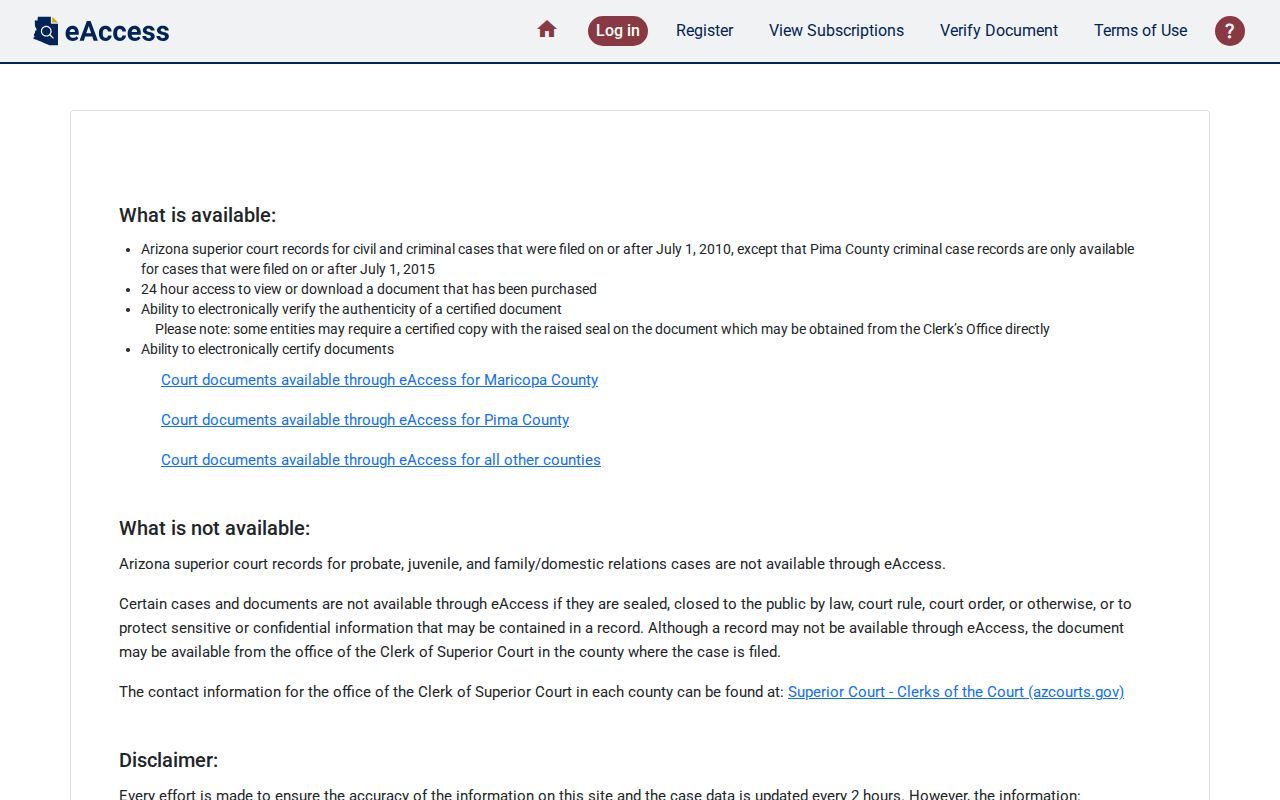
The screen here keeps two things apart: the account-based eAccess docket search for eligible Superior Court records, and the free statewide case-history lookup anyone can use.
What a Case Search Returns
Open a case in eAccess. The detail page splits into five parts: Case Information, Party Information, Charge Information, Event Information, and Hearing Information. A civil matter often has little use for Charge Information. A thin section there means nothing. Restricted parties, events, and images stay hidden. Read the event list in date order. When an old court date and a new one clash, the newest setting order or minute entry controls.
| Case Information | Case number, filing date, title, category, status, court location, and assigned judicial officer. |
|---|---|
| Party Information | Unrestricted participants, their roles, and attorneys of record. |
| Charge Information | In criminal cases, statute, description, classification, and disposition. |
| Event Information | Dated filing and court-action descriptions, plus document availability when an image exists. |
| Hearing Information | Courtroom, date, hearing type, and result when entered. |
A blank hearing result may just mean nobody has typed it in yet. The same goes for the message "Document Not Available Online," which is not proof the filing is sealed. Ask the clerk for the exact event or signed order.
Santa Cruz Case Search Details
The five-part detail view teaches a habit worth keeping. A docket entry tells you something happened; it rarely shows the paper itself. An entry may say an order was filed. Yet viewing the actual image could mean an eAccess purchase or a trip to the clerk's counter. For civil and criminal documents, the eligible range starts July 1, 2010. Anything older, or in a case class left out, falls back on counter help at the courthouse. The official eAccess overview spells out how the Superior Court's document service works. It covers everything from account setup to purchases.
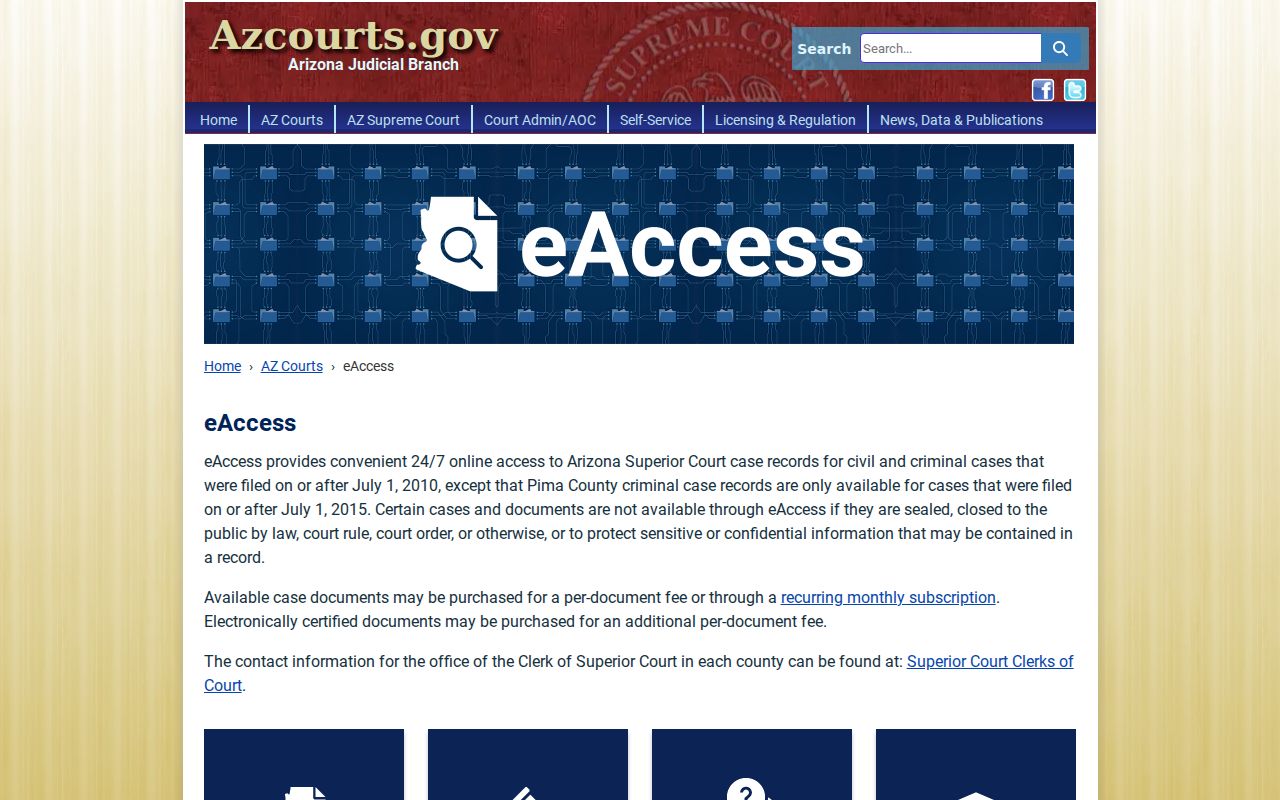
The line matters when a free case search shows the event but not the filed paper. A Santa Cruz County docket entry can name a motion without showing what it says.
Statewide vs County Case Search
Santa Cruz County runs no single local database that replaces the statewide services. Public Access pools free docket information from participating courts. eAccess goes further, adding account-based searches plus purchasable images of eligible Superior Court civil and criminal files. For the authoritative layer, the county's clerks and courthouse terminals still stand behind everything, close to home.
| Channel | Coverage | Best Use |
|---|---|---|
| Public Access | Participating Arizona Superior, Justice, and Municipal Courts, subject to exclusions | Free name or number lookup and case events |
| eAccess | Eligible Arizona Superior Court civil and criminal documents from the stated electronic boundary | Detailed filters and available document images |
| Santa Cruz clerk | The filing court's official file | Current confirmation, terminal inspection, copies, and certification |
The Judicial Branch self-service case-search page routes users to the correct statewide service.
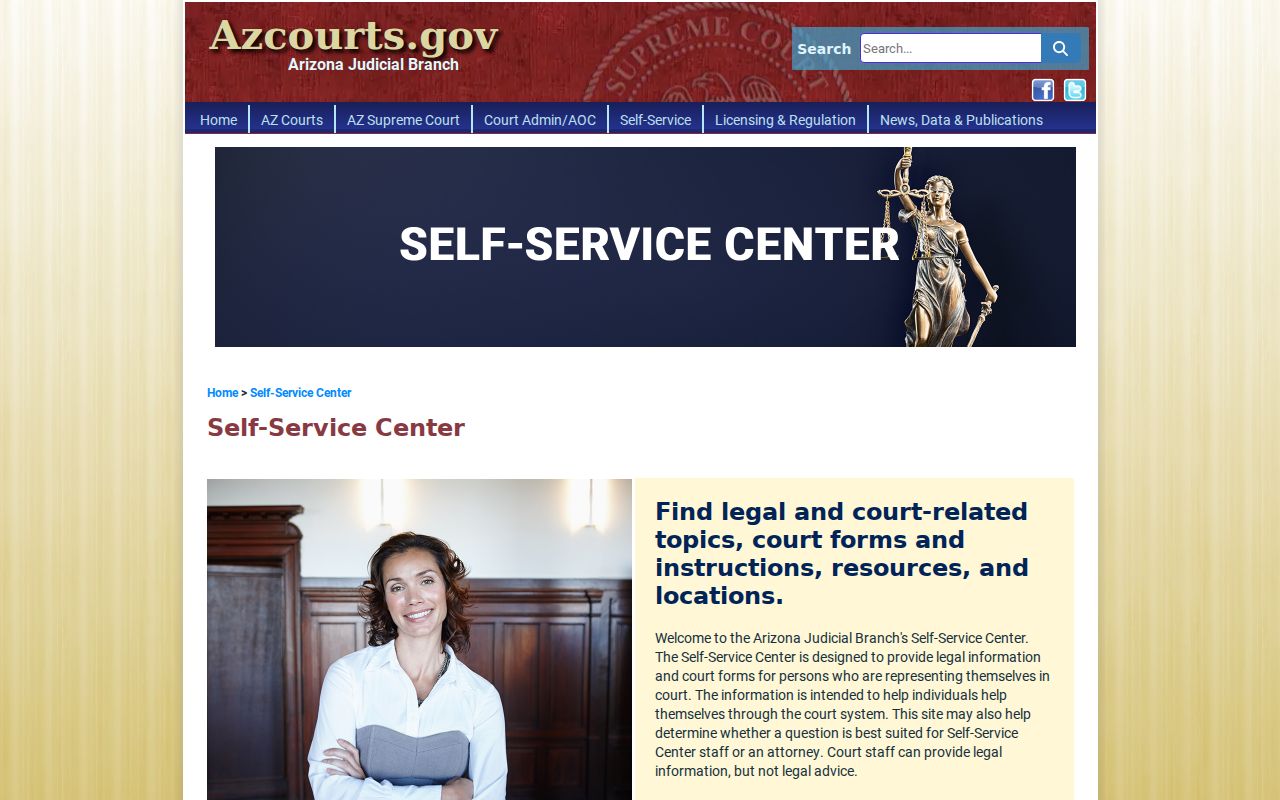
Treat it as a starting point. On any Santa Cruz County case, the court holding the file remains the final source, not the aggregator.
Santa Cruz Friday Search Gap
Public Access data lags a few days. It refreshes on Friday. It only covers filings through Wednesday, so a Thursday hearing in Santa Cruz County can sit outside that week's view. Fresh citations drift in slowly, too. When a deadline or a hearing is close, skip the wait and phone the division handling the case. Superior Court takes calls at 520-375-7730. Justice Court splits its lines, with traffic, criminal, and civil questions going to separate desks.
Before searching the docket, check the official unavailable-courts list, which flags each court whose data is missing or only partial.
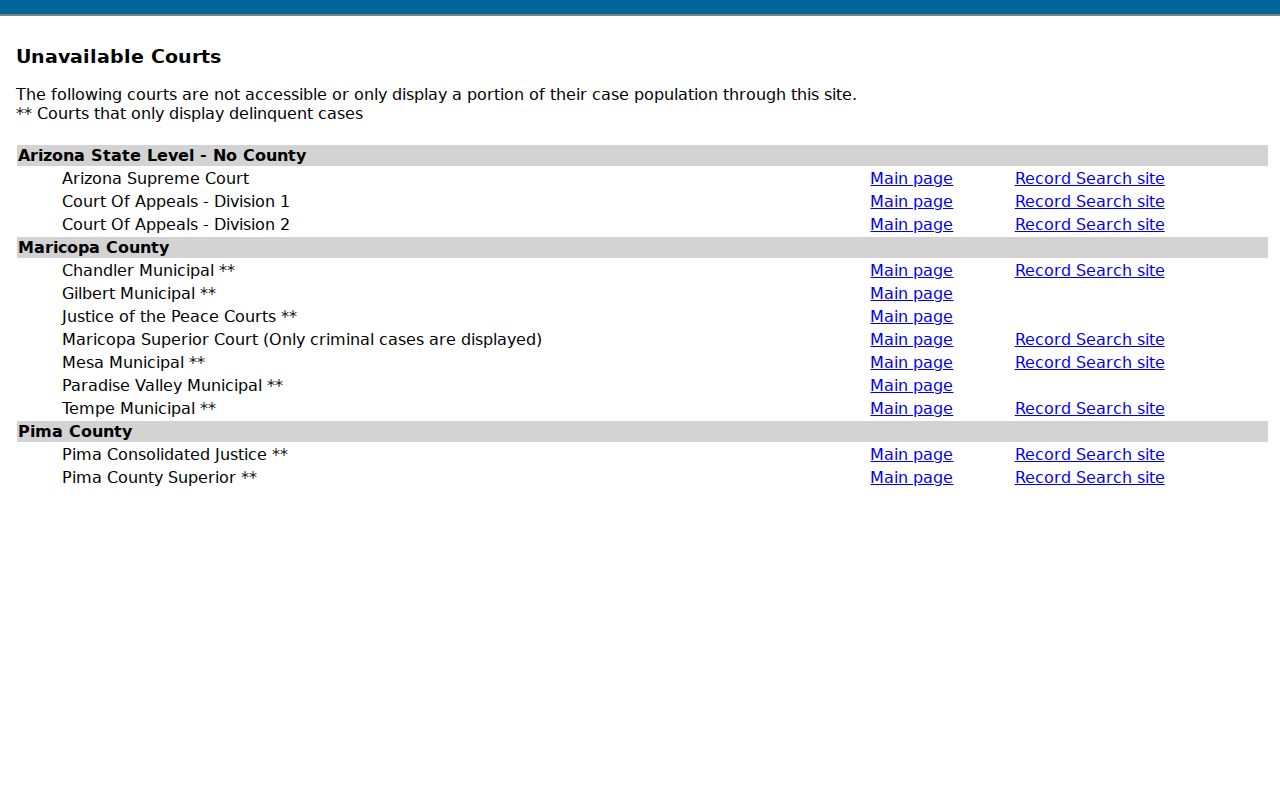
Treat a participation warning as a reason to call the clerk, not as proof that a case is absent from Santa Cruz County. One caveat matters here. A current notice, a signed order, or word straight from the clerk wins over any stale web entry on the court docket.
Santa Cruz Case Search Fallback
A failed search usually means you asked the wrong office. Superior Court keeps the felony, general civil, family, probate, juvenile, and lower-court appeal files. The Santa Cruz Justice Court handles its own cases. They include limited civil, small-claims, eviction, misdemeanor, and traffic matters. Nogales and Patagonia Municipal Courts each hold their city or town cases. Local ordinance charges stay out of statewide Public Access.
Once you know the right clerk, call, visit the counter, or use a public terminal. The Superior Court Clerk's Suite 2200 counter sits at 2160 North Congress Drive in Nogales. It has three public-access computers. The clerk phone is 520-375-7700. Justice Court takes calls at 520-375-7760 for traffic, 520-375-7761 for criminal, and 520-375-7762 for civil. Municipal cases go through the municipal clerk. When a docket search needs to become a copy request, the wider Santa Cruz County court-record process takes over.
Santa Cruz Case Search Exports
Want your Santa Cruz case search results in a file? eAccess will export CSV or Excel. The export demands one more CAPTCHA, and it carries a hard cap of 1,000 returned results. Hit that ceiling and the search needs tightening. Narrow it by Santa Cruz court, date range, case type, or party details. Treat any export as a working aid. It is not a certified court record, since restricted fields and unavailable document images may be left out of the file.
The eAccess information page spells out registration, searching, and purchasing.
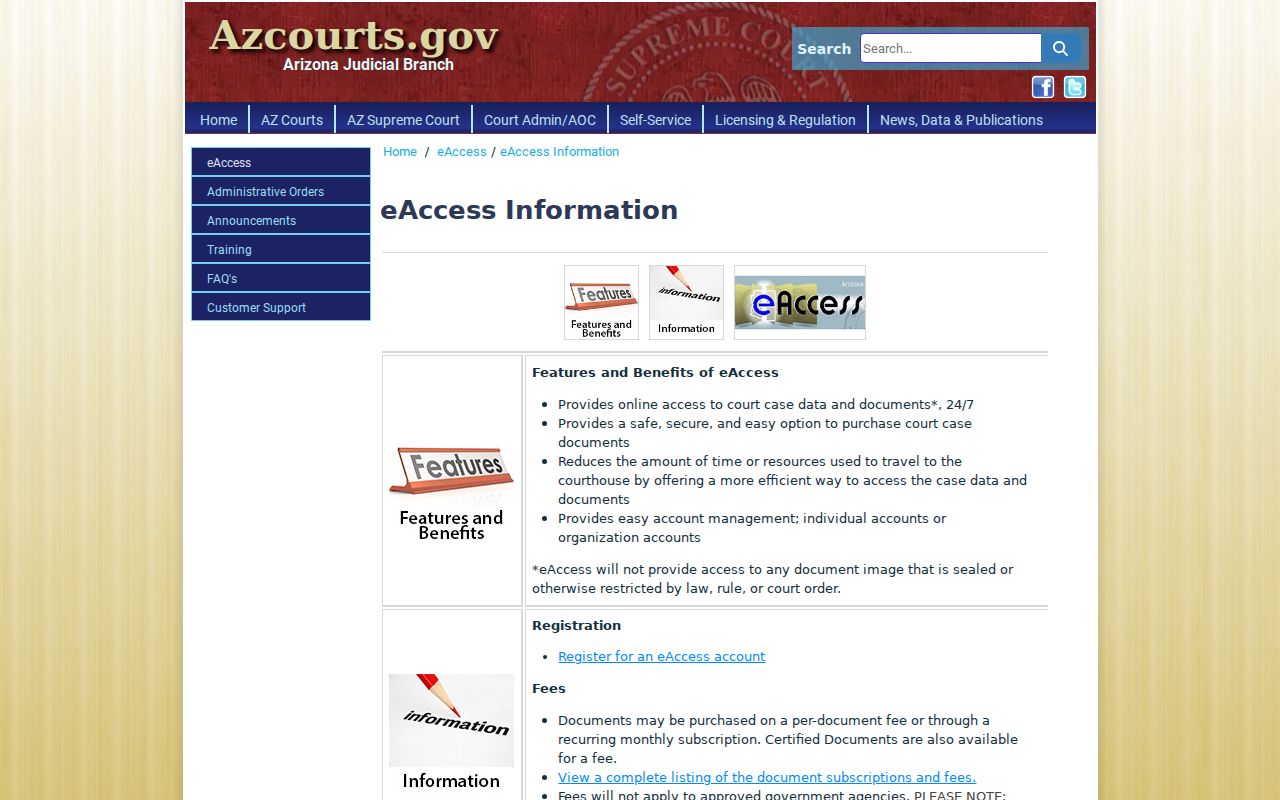
Treat an export as a working list of Santa Cruz County public results. Sort it, flag what matters, and then go back to the case detail page or the clerk for the actual filing.
Access and Restricted Cases
Not every Santa Cruz County case is open through Public Access. Sealed cases stay out. So do orders of protection, mental-health and probate cases, victim and witness data, juvenile delinquency matters, and local ordinance violations. Family and adoption content may face narrower remote access too. The limits differ, though. Some records are legally restricted, while others are simply not offered through that online channel.
Rule 123 of the Arizona Supreme Court governs access to judicial records. ACJA §1-604 sets the rules for remote electronic access. It keeps on-site access open for nonsealed, nonconfidential records. Someone entitled to restricted material must follow the filing court's process. That process can require party status or a court order. For eligible criminal matters, A.R.S. §12-2802 offers a petition process for sealing. Sealing is a judicial act, not a request to change search results.
Santa Cruz Case Search Dates
The filing-date filter in eAccess Advanced Search takes a custom M/D/YYYY span. It also takes a calendar picker or preset range. Know what it filters. It limits when a case was filed, not when its next hearing falls. For a setting date, turn to Hearing Information and the Santa Cruz County calendar hub.
A narrow date range helps with common-name results. It also keeps a large export under its cap. Even so, compare the case title, court, category, and party role before deciding a result is the right Santa Cruz County case.
Santa Cruz Case Search Support
eAccess technical trouble has its own support line. Call 602-452-3519 or 800-720-7743, Monday through Friday, 7 a.m. to 6 p.m., excluding state holidays. That help desk handles system problems only. It cannot certify a Santa Cruz County record or decide access rights. Questions about an official case, a missing signed order, or the newest hearing belong with one place. Ask the clerk of the filing court.
A careful docket search ends with three checks: the correct court, the exact case number, and the newest event. Those steps keep a same-name result, a stale statewide entry, or a lower-court mix-up from being mistaken for the Santa Cruz County case you want.