
The Santa Cruz County Court Calendar
The Santa Cruz County Calendar hub is a routing page. It links calendars for Judges Thomas Fink, Liliana Ortega, Vanessa Cartwright, visiting judges, Justice Adriana Olaiz, pro-tem judges, and Nogales Municipal Court. It also offers a live-hearing link. The design means a searcher must know the assigned judicial officer or court before choosing the most useful schedule.
The linked judge PDFs are titled “LAW & MOTION CALENDAR.” They carry a generated timestamp, judge, start and end dates, courthouse information, and pagination. Calendar rows can show time, case number, case title, location, appearance code, description, comments, and attorney names. Because a PDF is generated at a point in time, confirm a close or changed setting through the current docket and division.
Choose the Santa Cruz Calendar
Start with the court named on the notice, citation, minute entry, or setting order. Then find the judicial officer in the case header. A Superior Court setting belongs on the assigned division's calendar. Justice Court has its own route, and Nogales Municipal Court is separate. Patagonia Municipal Court does not gain a county-calendar entry merely because it is in Santa Cruz County.
This court-first step prevents a common error. The same person can have matters in more than one court, and a lower-court appeal creates a new Superior Court record without deleting the original lower-court docket. Search by exact case number and match the court before treating any date as yours.
Fast check: Match court, case number, judicial officer, and newest order before relying on a calendar row.
Santa Cruz Calendar Routes
The county hub provides separate routes for two Superior Court judges, a commissioner, visiting judges, the Justice of the Peace, pro-tem judges, and Nogales Municipal Court. That structure reflects who manages the setting, not one county-wide docket call.
Use the case header to select the route. If the assigned officer changed, check later orders and the newest calendar. Court Administration at 520-375-7740 can give procedural calendar status when the published route is unclear.
How to Find Your Court Date
A full Santa Cruz County court-date check uses both the setting source and its custodian. Keep the case number, party name, assigned court, and judicial officer at hand. Read the citation, summons, notice, minute entry, or setting order first. Then compare the case's Hearing Information with the county calendar. The newest signed or entered order controls when an older setting remains in the history.
- Read the filed notice, citation, summons, minute entry, or setting order for the case number and court.
- Search Arizona Public Access or eAccess and inspect the newest events and Hearing Information.
- Open the county Calendar hub and choose the assigned judge, Justice Court, or Municipal Court route.
- For Superior Court, call 520-375-7730 or ask the assigned division. Court Administration answers calendar-status questions at 520-375-7740.
- For Justice Court, call Traffic at 520-375-7760, Criminal at 520-375-7761, or Civil at 520-375-7762. Nogales Municipal Court is 520-287-6571.
- At the courthouse, check with the counter or current posted calendar. Printed lists should still be checked against later orders.
Arizona Public Access is a statewide fallback, but it updates on Friday with data through Wednesday and excludes some case classes. A generated calendar can also be older than a new minute entry. If timing matters, use the phone or counter channel rather than waiting for a portal to catch up.
Santa Cruz Friday Update Gap
A Thursday hearing may not appear in statewide data until the next update cycle. At the same time, a calendar PDF may have been generated before a reset was entered. The two sources can therefore disagree without either proving that the hearing vanished.
| Source | Strength | Limit |
|---|---|---|
| County calendar PDF | Local judge and setting list | Fixed generated timestamp |
| Public Access | Free statewide case and hearing view | Weekly refresh and exclusions |
| Assigned division | Direct procedural confirmation | Must contact the right court |
When sources conflict, read the newest Order: Setting or minute entry and call the assigned division. Do not use a blank result as permission to miss an appearance.
Santa Cruz Live Hearing Limits
The Calendar hub includes a live-hearing link for criminal and civil proceedings. A stream is a way to observe a hearing when access is offered. It is not proof that a party may appear online, nor does it replace the setting order.
Confirm appearance instructions with the assigned division. A closure notice, failed stream, or missing video does not change a duty to appear unless the court issues or confirms a change.
Reading a Court Setting
A Santa Cruz County court setting identifies an event, not the final outcome of the case. Read the whole row. TIME and LOCATION show when and where the matter is placed. APPR is the calendar's appearance field. DESCR gives the event type, while CASE COMMENTS may add context. A hearing result can remain blank until an outcome is entered.
| Date | The calendar date for the listed event; compare it with any later order. |
|---|---|
| Time | The scheduled time shown for the calendar row. |
| Courtroom | The location or courtroom tied to the assigned division. |
| Judge | The judicial officer whose calendar carries the setting. |
| Setting Type | A label such as arraignment, status conference, settlement conference, sentencing, or file review. |
Labels like DISPOSITION, DEFAULT, SENTENCING, or FILE REVIEW describe the event. They do not tell you what the judge ruled. The minute entry, order, or later result field is needed for that. Avoid reproducing party names from juvenile or family calendar material.
Santa Cruz Setting Terms
The local calendar uses a wide range of criminal, civil, family, probate, and juvenile descriptions. These plain meanings help separate the purpose of a setting from the result.
- Arraignment
- A criminal setting for the formal charge and plea.
- Status Conference
- A progress check and scheduling event, not a trial.
- Settlement Conference
- A structured effort to resolve a civil or family dispute.
- File Review
- A court review that may be marked non-appearance.
- Vacated
- The prior setting has been removed. Check for a replacement date.
Other observed descriptions include violation hearing, change of plea, trial-date setting, default judgment, accounting or guardian report, and review hearing. Each must be read with the case history.
Santa Cruz Calendar Locations
Superior Court, its Clerk, and Justice Court operate at 2160 North Congress Drive in Nogales. Superior Court uses the general line 520-375-7730, while the Justice divisions have separate numbers. Nogales Municipal Court sits at 777 North Grand Avenue and uses 520-287-6571.
Patagonia Municipal Court operates at Town Hall, 310 West McKeown Avenue, and holds court on Tuesday. The building and court name on the notice control. Do not substitute the county courthouse simply because it is the larger facility.
Resets, Continuances, and Cancellations
A continuance moves a hearing to a later time or date. A reset is another form of rescheduling. “Vacated” removes the prior event. Check for a later Order: Setting, minute entry, or signed ruling because the old date can remain visible as part of the history even after it is no longer operative.
Nogales Municipal Court has a specific written process. Its guidance recommends filing a detailed motion at least ten days before the hearing and adding support where possible. The form asks for the docket number, current date and time, reason, contact details, signature, and date. Filing the motion does not change the hearing. Only the judge's order does.
A live stream is also not permission to attend remotely or skip an appearance. Contact the assigned division about how to appear. If a Santa Cruz County court calendar drops a setting without a clear order, call the proper clerk instead of guessing that the matter was canceled.
Santa Cruz Electronic Filing Limits
Electronic filing can speed the arrival of a motion or setting order, but availability differs by case type. The April 2026 statewide matrix shows civil and family initiation and later filing, while criminal, juvenile, and probate have subsequent filing only. Mental-health e-filing is not listed. An electronic filing option does not guarantee that the public calendar changes at the same moment.
The official Arizona e-filing availability source is shown below.
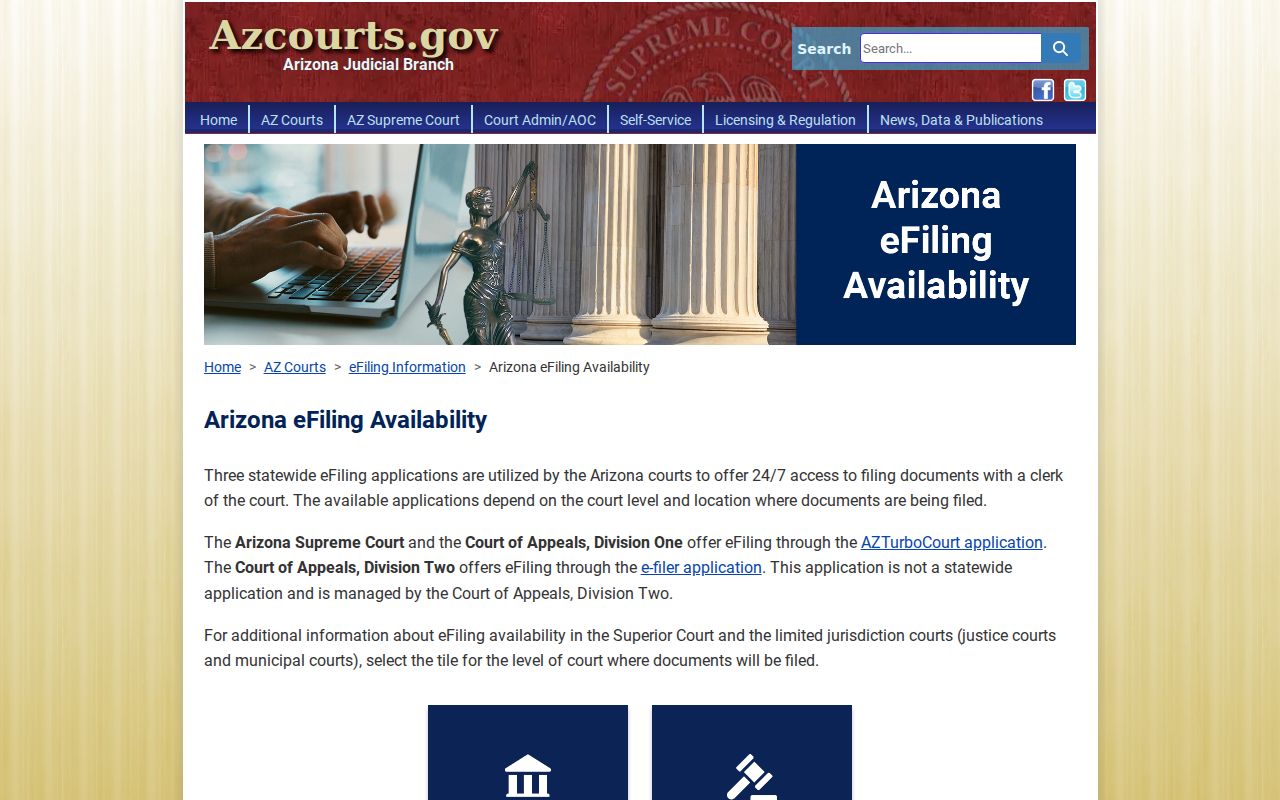
The matrix helps explain why a newly filed item may move through a different channel from the public Santa Cruz County calendar.
Santa Cruz eAccess Calendar Checks
For help using document access, the Judicial Branch publishes an eAccess training source.
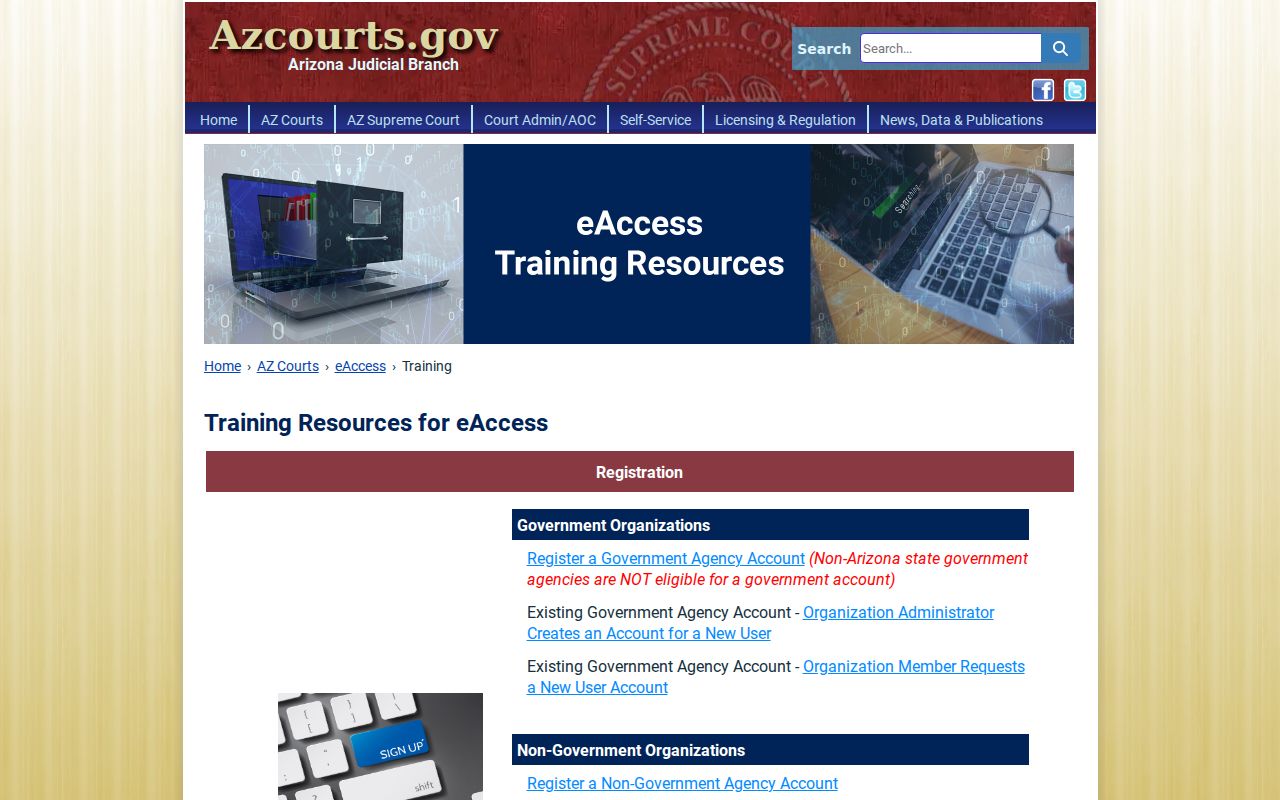
Training helps with the portal, but the assigned court remains the source for a live Santa Cruz County hearing-status check.
Santa Cruz Reset Checklist
After a possible reset, keep the old notice and note the case number. Read every event entered after that notice. Look for a later setting order, minute entry, continuance, reset, or vacated label, then compare it with the assigned judge's calendar.
If no signed change appears, call the clerk or division. For Nogales Municipal Court, a filed motion to continue is still pending until the judge grants it. The original date stays operative during that gap.
What to Do If You Miss a Setting
Act promptly after a missed Santa Cruz County setting. Contact the clerk for the court named on the case, read the newest docket events, and ask what procedural step is available. If represented, contact counsel at once. Do not file a document with a different clerk or assume a new date will appear automatically.
Consequences depend on the case and court. The docket may show a failure-to-appear event or another order. For a citation matter, the signed citation is a promise to appear or respond, and a court report can affect later state processing. The record itself must be checked for the actual action taken.
Missed a setting? A missed date can prompt a court order or failure-to-appear entry, depending on the case.
Call the proper Santa Cruz County clerk or assigned division and check the newest docket entry right away.
Seek legal advice about the safest next step when a warrant, release term, or contested deadline may be involved.
The Superior Court general line is 520-375-7730. Justice Court uses separate traffic, criminal, and civil lines, and Nogales Municipal Court uses 520-287-6571. Give staff the exact case number and ask for procedural status, not legal advice.